
Nail Salon Turn History: Answer Fairness Questions With the Record
Every nail salon owner has heard it: “I feel like I got fewer walk-ins today.” Sometimes the tech is right. Sometimes the day just felt uneven because the busy hour landed while they were on a long service. Without a record, there is no way to tell, and the conversation turns into one memory against another.
Turn history fixes that. When the rotation leaves a record, a fairness question becomes something you can look at together. This guide covers what to keep, how to read it, and how to build it into a weekly routine.
What turn history is
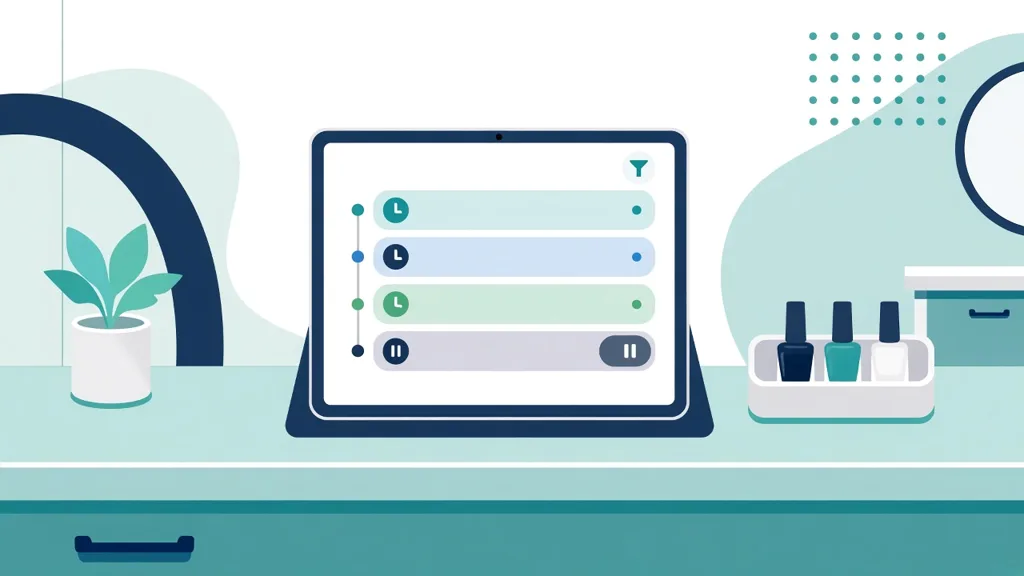
A turn is one walk-in client given to one available tech. Turn history is the record of those turns: who took a walk-in, and when. In Fair Flow, the Queue keeps a turn count for every tech and a history you can look back through by day.
The record only means something if the board is kept honestly. That is why the daily habits matter: start each walk-in on the board, finish each service so the tech returns to the back of the available list, and use hold for breaks so nobody loses their place. Fair Flow does not use half turns. Every turn is a full turn.
Why memory is not enough
On a busy day, turns are decided minutes apart, and the person at the desk is also answering the phone and checking clients out. Nobody can remember fifty turns accurately. A tech who spent two hours on a full set will see three colleagues take walk-ins in that time and feel skipped, even when the rotation was working exactly as it should.
A paper list does not help much either. Names get crossed out, rewritten and skipped, and by the end of the day the sheet shows what happened to the paper, not what happened on the floor.
How to read the record with a tech
- Open it together. Look at the same screen. The point is that the answer is the same for everyone.
- Look at the day first. Check the turn count and the history for the day in question before looking further back.
- Look for the cause. A real gap usually has a simple cause: a finish that was not pressed, a tech left on the available list after leaving, or a break taken without hold.
- Fix the habit, not the person. If the cause was a missed step at the desk, fix the step so it does not repeat.
Often the record shows the day was more even than it felt, and the question ends there. When it shows a real problem, you found it early, before it turned into a tech looking for another salon.
A weekly turn review
You do not need to wait for a complaint. A short weekly look at turn counts helps you notice patterns: a day of the week where the board is not kept up, or a shift where finishes are often missed. Pick a quiet morning, look back through the week by day, and bring one fix to the next team huddle.
If the order needs to change during a day, let a manager reorder it on the board instead of quietly calling someone out of turn. The change happens in plain view, and the history still makes sense afterwards.
What turn history does not cover
The turn tracker is for walk-ins who did not ask for anyone. Clients who request a specific tech are handled by your salon's own policy at the desk, outside the rotation. Keeping the two separate means a requested client never looks like a stolen turn in the record.
Where Fair Flow fits
Fair Flow is a salon operations platform. Its nail salon turn tracker gives the whole team one live board with start, finish, hold, turn counts and history, next to digital tickets, tasks, the employee inbox, schedules and the time clock. For a full day on the floor, read fair turns on a busy walk-in day, or see how to set up a nail salon turn tracker app.
Pricing is per location, not per person: Starter at $39/month per location, or Pro at $99/month for the first location and $79/month for each additional one, with unlimited staff. See pricing.
Questions
What is turn history in a nail salon?
Turn history is the record of how walk-in turns were given out. In Fair Flow it is a turn count for each tech and a history you can look back through by day.
How do I answer a tech who says they were skipped?
Open the turn count and the day's history together. If the record shows a real gap, fix the cause. If it shows the day was even, the question is answered with the same record everyone can see.
Does turn history include clients who asked for a specific tech?
No. The turn tracker is for walk-ins who did not ask for anyone. Requested clients are handled by your salon's own policy at the desk, outside the rotation.
Can a manager change the order during the day?
Yes. A manager can reorder the board when the order really needs to change, so the change is made in plain view instead of by calling someone out of turn.