
A Salon Time Clock Belongs on the Floor
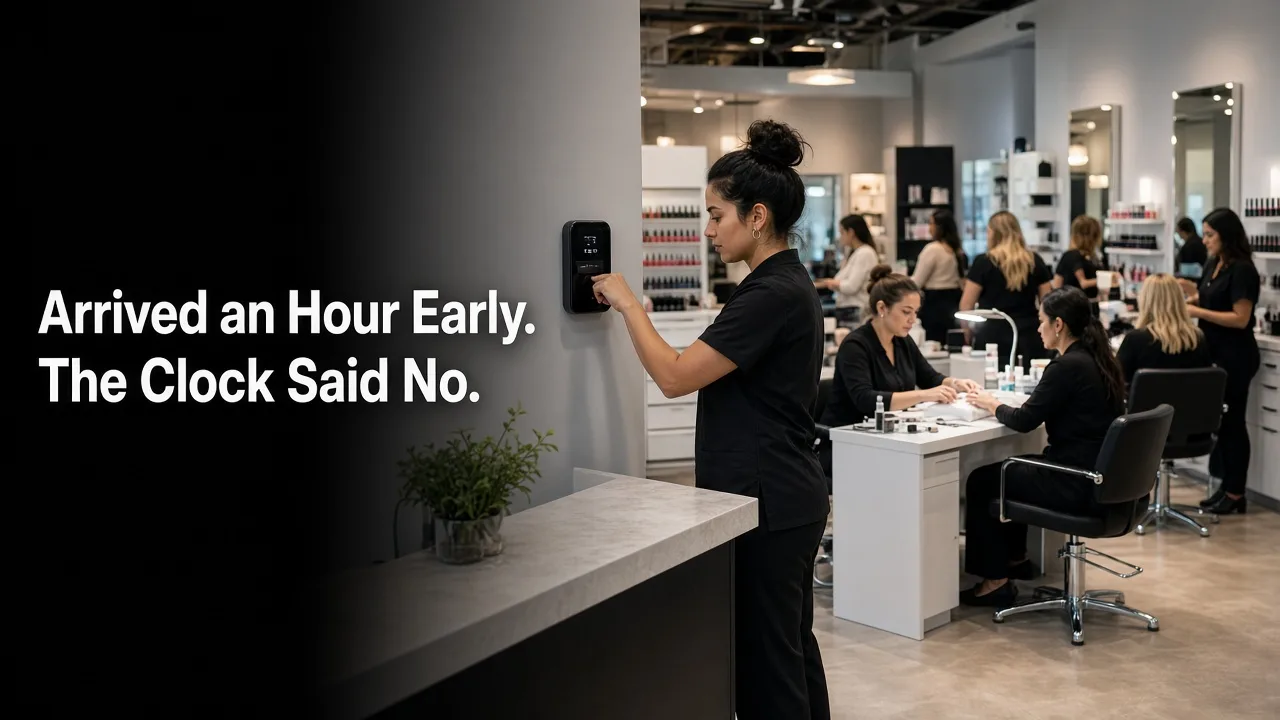
A salon time clock is usually a punch sheet in another app. The schedule says who should be there. The clock says who arrived. In Fair Flow those two are the same system.
The owner sets how early a clock-in can open. That window can be 15 minutes before the shift, or 30 minutes. A shift at 2:00 does not open at 1:00. The clock stays closed until the window the owner chose, and then the employee can clock in.
A photo, the salon location, and a kiosk
Clock-in opens the camera and takes a photo of the employee. Clock-out does the same. The owner also sets the salon location, and the clock only works from that area, so a punch from somewhere else does not go through. A kiosk is there for the floor as well.
The schedule is tied to the inbox
An employee can request vacation from the inbox. When an admin approves it, that time is blocked on the schedule automatically. The schedule then does not place an appointment on those hours.
What the time clock is not
- It does not file payroll, and it does not pool tips.
- It does not process client payments.
- Clients do not see their place in the walk-in queue. The queue is for the team inside the salon.
If the only question is who clocked in, a separate punch app is enough. If the next question is who is free, whose turn it is, and which ticket is still open, the clock has to sit on the floor. See the turn system, or book a 15-minute demo.