
Salon Employee License Tracking: Why No Software Warns You
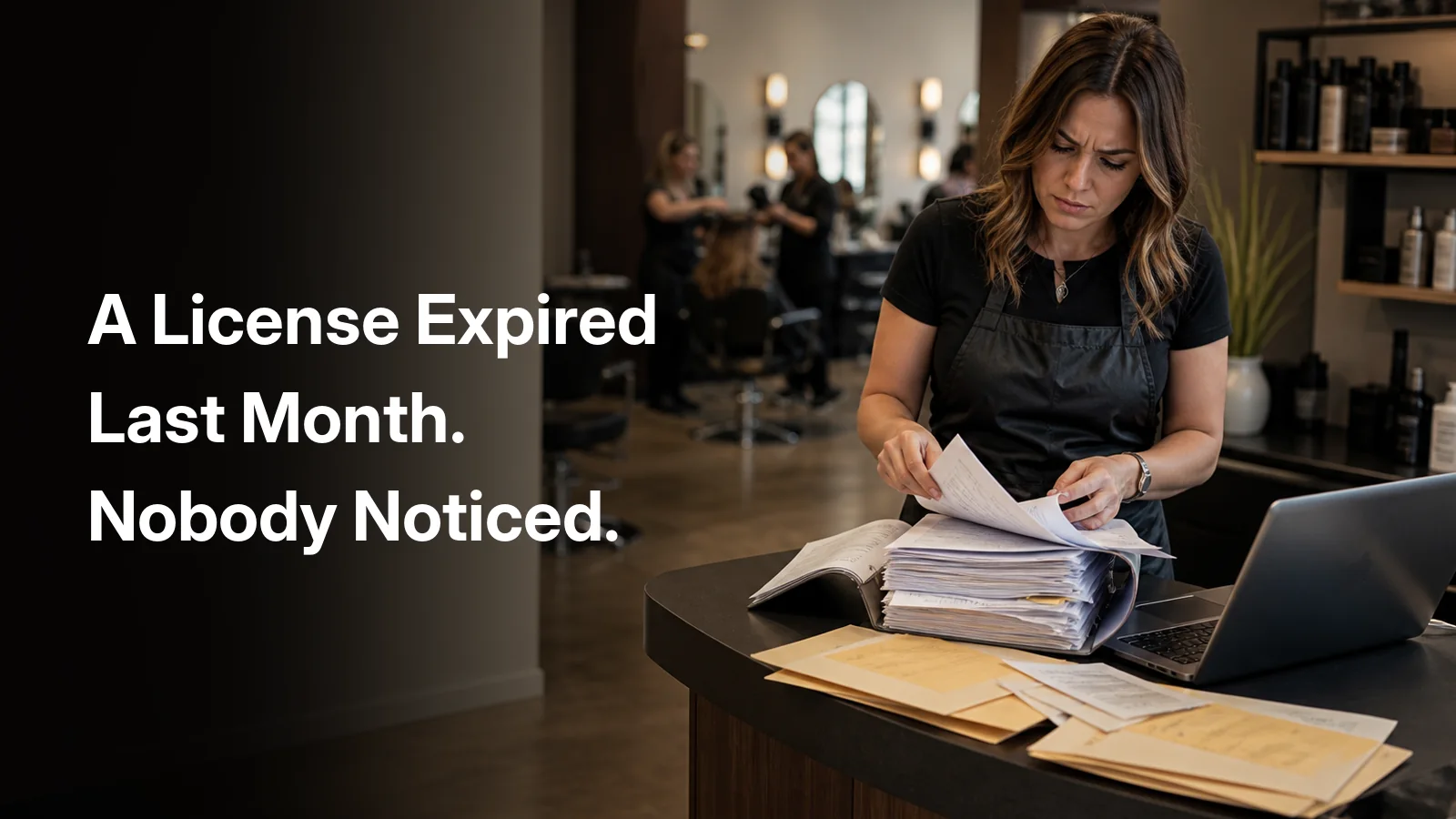
Ask any salon owner where a specific stylist's license is right now and watch what happens.
There is a pause. Then a guess. It is in the binder under the desk, or it was photographed and texted during onboarding and is somewhere in a thread from fourteen months ago, or it is in a folder on a laptop that belonged to a manager who left. Occasionally someone knows exactly where it is, and it is taped to the back of the station mirror, which is not the same as knowing whether it is still valid.
The uncomfortable part is not the searching. It is the second question: when does it expire? Because most salons only ever find out the answer in one of two ways. Either the stylist mentions it in passing, or an inspector does.
Your software has documents. They are the wrong documents.
If you use a modern salon platform, you almost certainly have a documents feature, and you may reasonably assume this is covered. It usually is not, because there are two entirely different things called documents in this industry and platforms only built one of them.
Client documents are intake forms, consent forms, waivers, SOAP notes, charting, before-and-after photos. Every serious platform handles these well, and for good reason: they attach to a client, they attach to an appointment, and they sit right in the middle of the data model the whole product is built around.
Employee documents are a different species. Contracts, W-4s and I-9s, direct deposit forms, handbook acknowledgements, non-competes, background checks, and the professional licenses and certifications that make the work legal in the first place. These attach to a person, not to an appointment, and most platforms have nowhere to put them.
The distinction gets blurred by wording. Mangomint's Forms app, for example, does have something called staff member forms, but its own help centre defines them as being for "SOAP notes, charting, image annotations, and treatment summaries", work a staff member produces about a client, not a record about the staff member. Boulevard's permission list is scoped the same way, granting rights to files "attached to a client." These are good features. They are just answering a different question.
What it actually costs when a license lapses
This is the part owners underestimate, because the intuition is that an expired license is the stylist's problem. In several states it is explicitly also yours, penalised separately, as the business.
Texas treats working with an expired license as a Class B violation, $1,000 to $3,500. It then lists, as its own separate Class B violation, having "employed or leased space to a practitioner who held an expired license", the same range again, against the establishment. Failing to display a current license is a Class A violation, $500 to $1,500. Texas also requires establishments that lease space to independent contractors to maintain a list of all renters including license numbers and expiration dates, produced to an inspector on request. If you run booth rental in Texas, you are already legally obliged to keep exactly the tracked list this article is about.
California publishes a fixed schedule. An expired individual license is $250, then $300, then $500 for repeat offences, and the fines are non-waivable. Improper display is $50 to $150. Employment of unlicensed persons is $1,000, and the Board's own guidance on avoiding it is blunt: verify each individual has a current and valid license before hiring. Inspections are unannounced.
Florida escalates by how long the lapse has run, which makes it the clearest illustration of the real risk. One month or part of a month is $50. Two to three months is $150. Nine to twelve months is $500. And employing a person practising on an expired license is its own citation against the salon, climbing the same ladder.
Read that Florida schedule again, because it is not really a fine schedule. It is a price list for how long it took you to notice.
Penalties and requirements vary by state and change over time. This is general information, not legal advice, confirm the current rules with your own state board.
The state will not remind you
There is a comforting belief that renewal notices make this self-managing. They do not, for two structural reasons.
First, the notice goes to the licensee, not the salon. Florida emails the licensee roughly 90 days before expiry, at the address the board has on record. That is a personal email account you have never seen, and a stylist who has moved twice since they were licensed and never updated the board.
Second, the boards themselves warn that the notice may never arrive. California states plainly that you may not receive a renewal notice if your address on record is out of date, and follows it with the consequence: you will be cited for unlicensed activity and subject to a $1,000 fine if you are working without a valid license. Non-delivery is not a defence.
So the system depends on every stylist on your floor independently keeping a government address record current, remembering a date that arrives once every two years, and telling you about it. Most of the time that works. The rest of the time you are exposed, and you have no way of knowing which case you are in.
What salon platforms actually offer
We went through the public documentation for the major platforms, looking for three specific things: somewhere to store employee documents, an expiry date attached to a license, and a reminder before that date arrives. The results are more mixed than the usual marketing suggests, and one platform does genuinely better than the rest.
| Platform | Employee document storage | License expiry date | Warns you before it expires |
|---|---|---|---|
| Zenoti | Yes. Document Manager, beta, requires Zenoti Integrated Payroll | Yes, expiration date field, cosmetology licence used as the vendor's own example | No, manual Active / Expired filter only |
| Meevo | Not documented publicly | Historically yes, an "Employee Licenses About to Expire" report | No, a report you have to remember to run |
| Square Appointments | Yes. Premium tier, onboarding document requests including certifications | No | No |
| Vagaro | Payroll documents only, and only with Vagaro Payroll | No | No |
| Mangomint | Payroll tax documents only | No | No |
| Boulevard | No, files are client scoped | No | No |
| Mindbody | No | No. Booker has a licence number field for receipts, with no date | No |
| Booksy, Fresha, Phorest, GlossGenius | No documented capability | No documented capability | No |
Two honest notes on that table. Zenoti deserves credit here, its Document Manager is a real employee document store, and the help article walking you through it literally uses setting an expiration date on a cosmetology license as the worked example. Square also genuinely stores staff documents, including onboarding requests for certifications, though only on Premium and with no expiry concept at all.
But look down the last column. Across every platform we reviewed, we could not find one that proactively tells you a license is about to expire. Zenoti gets closest and still stops short: its filter shows you documents that have already passed their expiration date. That view is useful for an audit and useless for prevention, because by the time a record appears in it, the exposure has already started.
That is the actual gap. Not storage. Storage is a solved problem, and if all you needed was a place to put a PDF, a shared drive would do. The gap is that no system is watching the calendar on your behalf.
Why nobody built this
The reason is the same one behind the other things these platforms miss. They are built around the appointment. The appointment is the unit that everything else hangs from, the client, the payment, the commission, the report. It is a sensible design and it is why booking on these products is so good.
A license does not attach to an appointment. Neither does a signed handbook, a background check, or a certification that renews in eighteen months. These are facts about a person on your team, with their own timeline that has nothing to do with your calendar. In an appointment-shaped data model there is simply nowhere for them to live, so they end up in the binder.
There is a market reason on top of the architectural one. Most customers on most salon platforms are small, one or two chairs, often the owner's own license and nobody else's. At that size this is not a problem worth software. It becomes a problem at ten, fifteen, thirty people across two or three locations, which is a minority of accounts and the most complicated minority. Features like that rarely reach the top of a roadmap.
What tracking should actually look like
Set the software question aside for a second. The requirement is not complicated, and you can judge any solution, including a spreadsheet, against it.
- Every document lives on the employee's record, not in a folder named after them
- Anything that renews is stored as a date, not as a scan you would have to open and read
- Someone is told before the date arrives, with enough runway to actually renew
- Permissions are real, so a stylist can see their own file and not their colleague's
- It survives a manager leaving, which is where binders and personal drives usually fail
This is the part Fair Flow covers. Employee documents sit on the person's record alongside everything else about them, and licenses and certifications are stored with their expiry date so you get a reminder before they lapse rather than a discovery after. Staff can also submit a license through Inbox as an upload request; after approval it lives on that same record. For the request workflow around those files, see salon employee request management.
To be clear about scope, as always. Fair Flow is not a booking platform, has no marketplace and does not process payments. Keep the system your clients book through. This is the staff side: documents and licenses, the turn system and walk-in queue, tickets for what was actually performed, requests, tasks, inventory and training. If you are weighing up which category of tool you actually need, the salon management software guide lays out all four.
A five-minute audit
Before you change anything, try this. It is genuinely diagnostic and it takes about five minutes.
Pick three people on your team at random. For each one, answer from memory: what is their license expiry date, and where is the document right now?
If you can answer for all three, you have a working system and you should keep doing whatever you are doing. If you can answer for one, you have a system that depends on you personally, which stops working the day you are on holiday and an inspector walks in. If you cannot answer for any, that is not a filing problem. It is an exposure you are carrying without a number on it, in a category where the fine lands on the business as well as the stylist.
The same logic runs through most of the arguments in a salon, which is why we built a commission calculator and a turn counter too. Records beat recollections.
Book a 15-minute demo and we will go through your actual team rather than a generic one.
Platform capabilities described here are based on publicly available vendor documentation as of September 2026. Products change constantly, confirm with the vendor before making a decision.